Introduction
I’ve been looking for a long time for a good blue-team practice platform — something that would feel like HackTheBox Pro Labs, but for defenders. Labs that will have feeling of investigating real incident in real environment. Most of what I tried over the years was good for atomic skills, but nothing really gave me the full incident experience.
Then I found Xintra. I bought a one-month subscription for $45, expecting to do maybe two or three labs and call it a day. I ended up finishing all of them. Here are my thoughts.
What Xintra Is
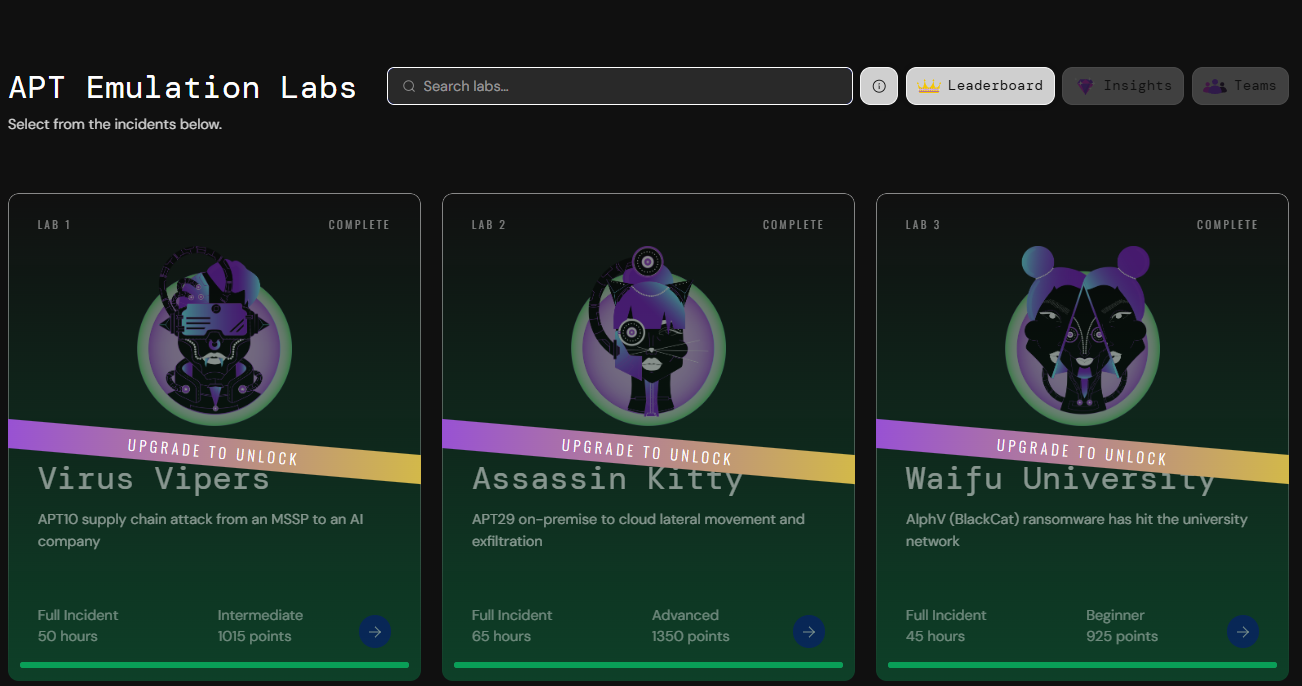
Xintra is a subscription-based labs platform run by Lina Lau (@inversecos). The premise is simple: you get access to 13 labs, each one inspired by a real incident with a real threat actor — APT29, Lazarus and others.
What makes it different is who builds the labs. Each one is a collaboration between DFIR experts and adversary emulation specialists — exactly like a purple team engagement. The intrusion you’re investigating was actually crafted by someone who knows how to build it properly - kudos for them.
For $45/month you get unlimited access to labs. There’s also a 7-day free trial, which gives you access to two scenarios — enough to see if the platform is for you.
What’s Inside a Lab
Each lab walks you through a full kill chain investigation — from initial access all the way to exfiltration. You’re not analyzing a single artifact in isolation — you’re switching between many of them, exactly like in real IR work.
A typical lab gives you:
- A pre-ingested Elastic SIEM with host and network telemetry
- Triaged disk images and KAPE artifacts
- Real malware samples to reverse or sandbox
- Network device dumps when relevant (e.g. Ivanti VPN appliance forensics)
- Sometimes cloud telemetry — there are hybrid-environment scenarios that cover cloud-to-on-prem compromises, pivoting from Azure into Active Directory
The investigation is structured around a question set that walks you through the kill chain. You can request hints if you’re stuck, and there’s a point system to track progress.
There are also mini labs — shorter, focused on a single artifact class or technique (e.g. analyzing a .NET application memory dump). Great as warm-ups, or when you want to refresh one specific skill without committing to a full scenario.
The Platform
Lab VMs run directly in your browser. All the forensic tooling you need is pre-installed. Performance is smooth even with heavy tools running.
The detail I appreciated the most: labs are not time-limited. You can take as long as you need on a given scenario without a countdown timer pressuring you to finish. No artificial pressure, just learning.
Pros and Cons
Pros:
- Outstanding price-to-content ratio at $45/month
- Real artifacts from real incidents — disk, network, cloud, malware
- Full kill-chain investigations across multiple tools, not single-artifact challenges
- Browser VMs with everything pre-installed
- Not time-limited — work at your own pace
- Purple-team collaboration in lab design
- 7-day free trial for 2 scenarios
Cons:
- Older scenarios don’t follow ECS (Elastic Common Schema), which makes it harder for someone used to it
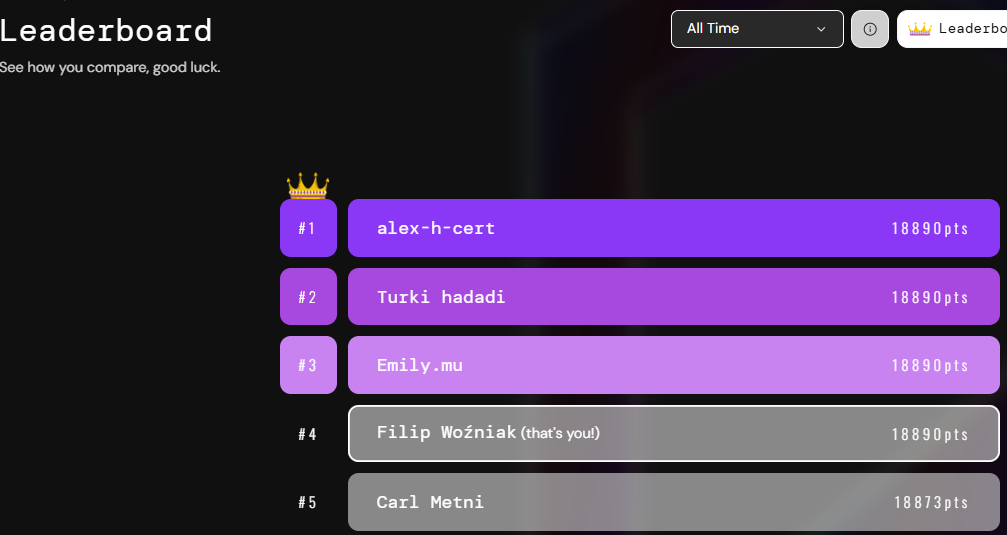
- I’ve already done all of them and I’m waiting for more 😄
Conclusion
Xintra finally gives blue teamers what HackTheBox gave to red teamers years ago — a place to practice the actual job, not just isolated atomic skills. If you do detection engineering, threat hunting, or DFIR work — or you want to break into one of those roles — this is the platform I would point you to first.
Get the trial. You’ll know within a few hours whether it’s for you.
Not sponsored. Paid for it myself.